
What Is BIMI in Email and Why Does It Matter?
November 27, 2025
What Is PGP? And Why Does It Matter for Email Security?
December 16, 2025
What Is Email Etiquette? 10 Workplace Best Practices
December 5, 2025
Ever opened an email and thought, “This could’ve been written better… or not at all?” You’re not alone. Email remains the most widely used communication channel in the workplace, but not everyone uses it effectively. Poorly written messages lead to delays, confusion, and even conflicts. That’s why email etiquette isn’t optional today—it’s a core professional skill. When you understand how to communicate clearly, respectfully, and efficiently, your emails become tools that move work forward, not backward.
What Is Email Etiquette?
Email etiquette refers to the rules and standards professionals follow to ensure their emails are polite, structured, clear, and aligned with workplace expectations. It helps you communicate in a way that gets attention without causing friction or misunderstanding. Good etiquette reflects your professionalism and plays a direct role in how colleagues, managers, and clients perceive you. In a fast-moving business environment, clarity and tone matter more than ever—especially when teams rely heavily on a business email solution or an enterprise email solution to communicate daily.
10 Workplace Email Etiquette Best Practices
1. Start with a Clear Subject Line
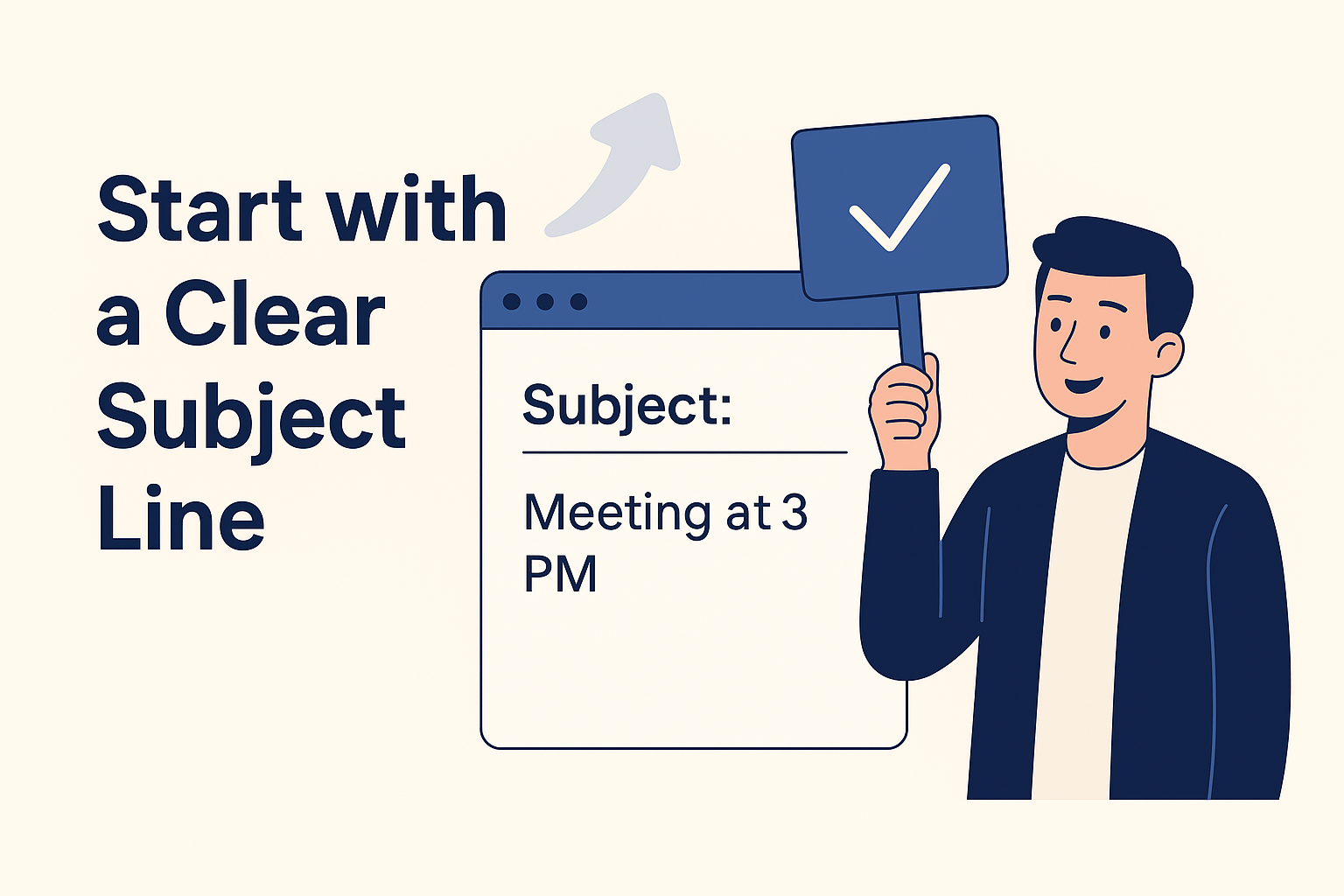
A subject line is the first thing recipients see, and it often determines whether they open your email immediately, later, or never. A strong subject line sets expectations and saves time for both the sender and receiver. It should communicate the purpose of the email in simple, straightforward words. Vague or generic subject lines slow down action because the reader doesn’t know what’s inside. A precise subject improves readability and gets faster responses.
Avoid vague lines like:
- “Update”
- “Need help”
- “Quick question”
Use specific and clear ones like:
- “Request: Q4 Budget Approval by Friday”
- “Meeting Agenda for Client Onboarding”
- “Follow-up: Proposal for AI Security Project”
2. Use a Professional Greeting
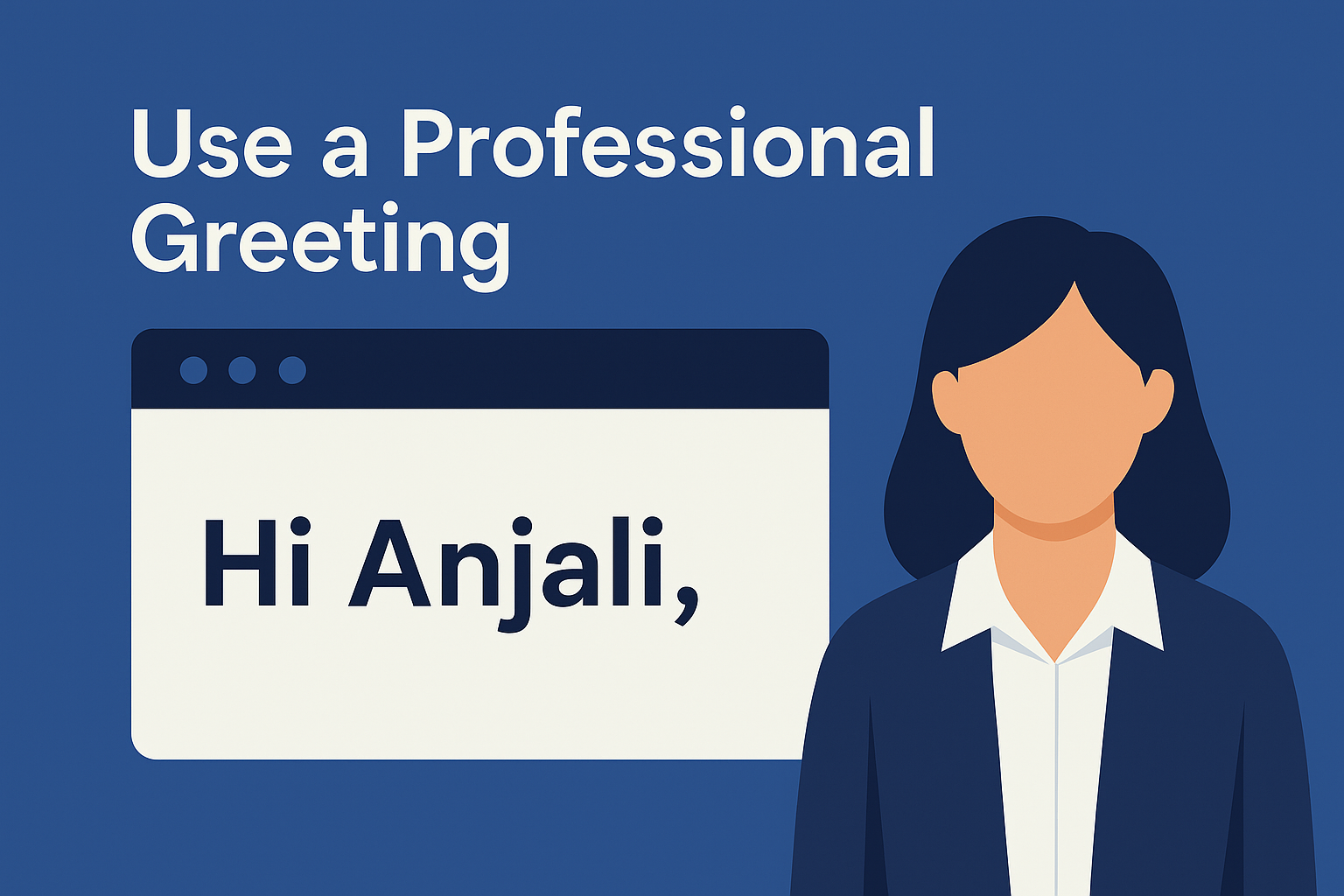
Your greeting sets the tone for the entire conversation, so choosing the right one matters more than people realize. A professional greeting is warm but respectful, personal yet structured. It ensures your email starts on the right note and signals that you value the recipient’s time. Using overly casual or impersonal greetings weakens credibility and sometimes feels abrupt. A thoughtful greeting gives your email a polished and confident presence.
Good examples:
- Hi Rohan,
- Hello Team,
- Good Morning Anjali,
Avoid greetings like:
- “Heyyy”
- “Yo”
- “Dear Sir/Madam” (when you know the name)
3. Get to the Point Quickly
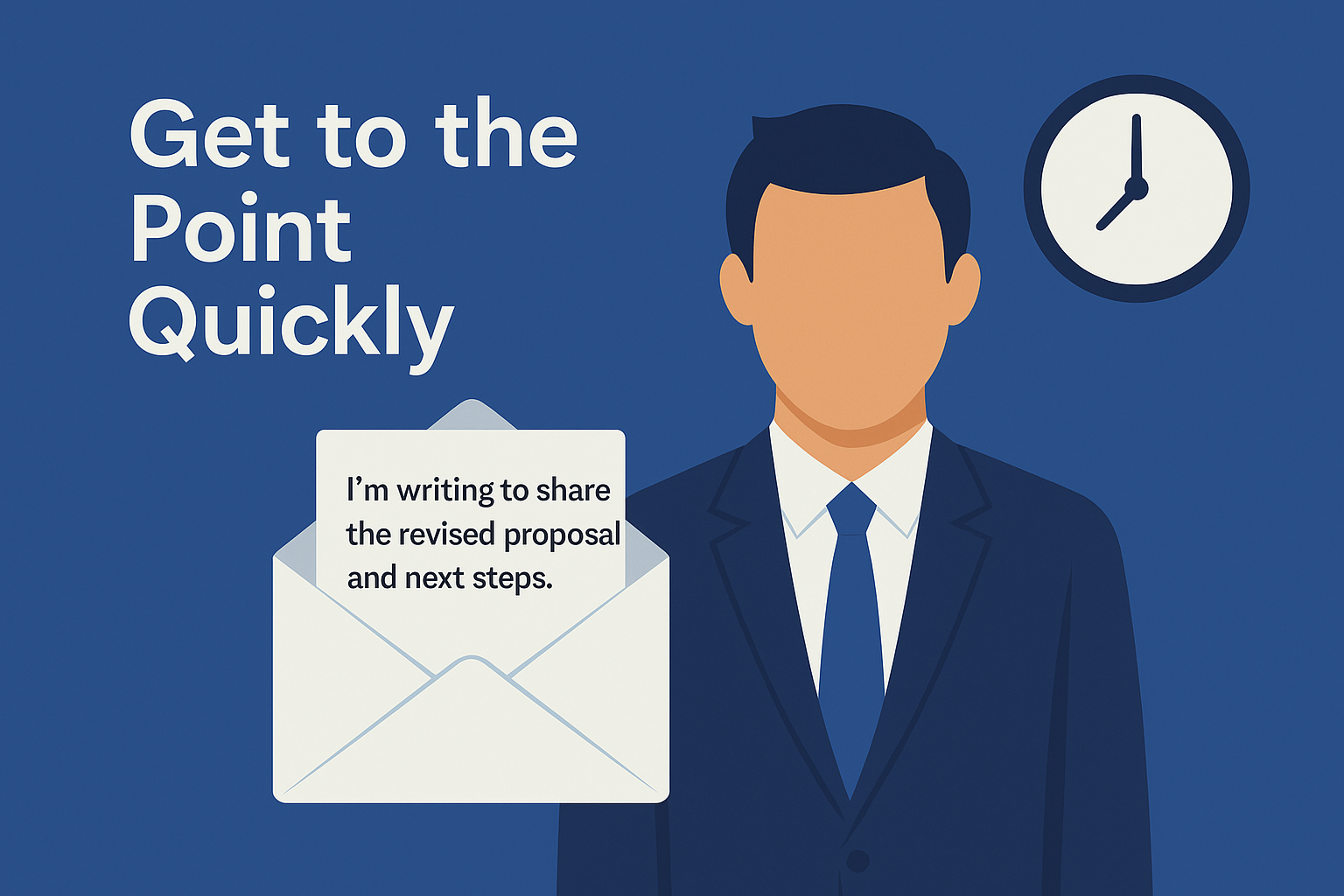
People skim emails, especially when their inbox is full, which means long introductions or irrelevant details often lead to skipped messages. Getting to the point quickly shows respect for the reader’s time and makes your communication more effective. When your message is direct, the reader understands what you need without guessing. This reduces back-and-forth and speeds up decisions. Clear opening lines also keep the email focused, especially in fast-paced workplaces.
Example Opening Line:
“I’m writing to share the revised proposal and next steps.”
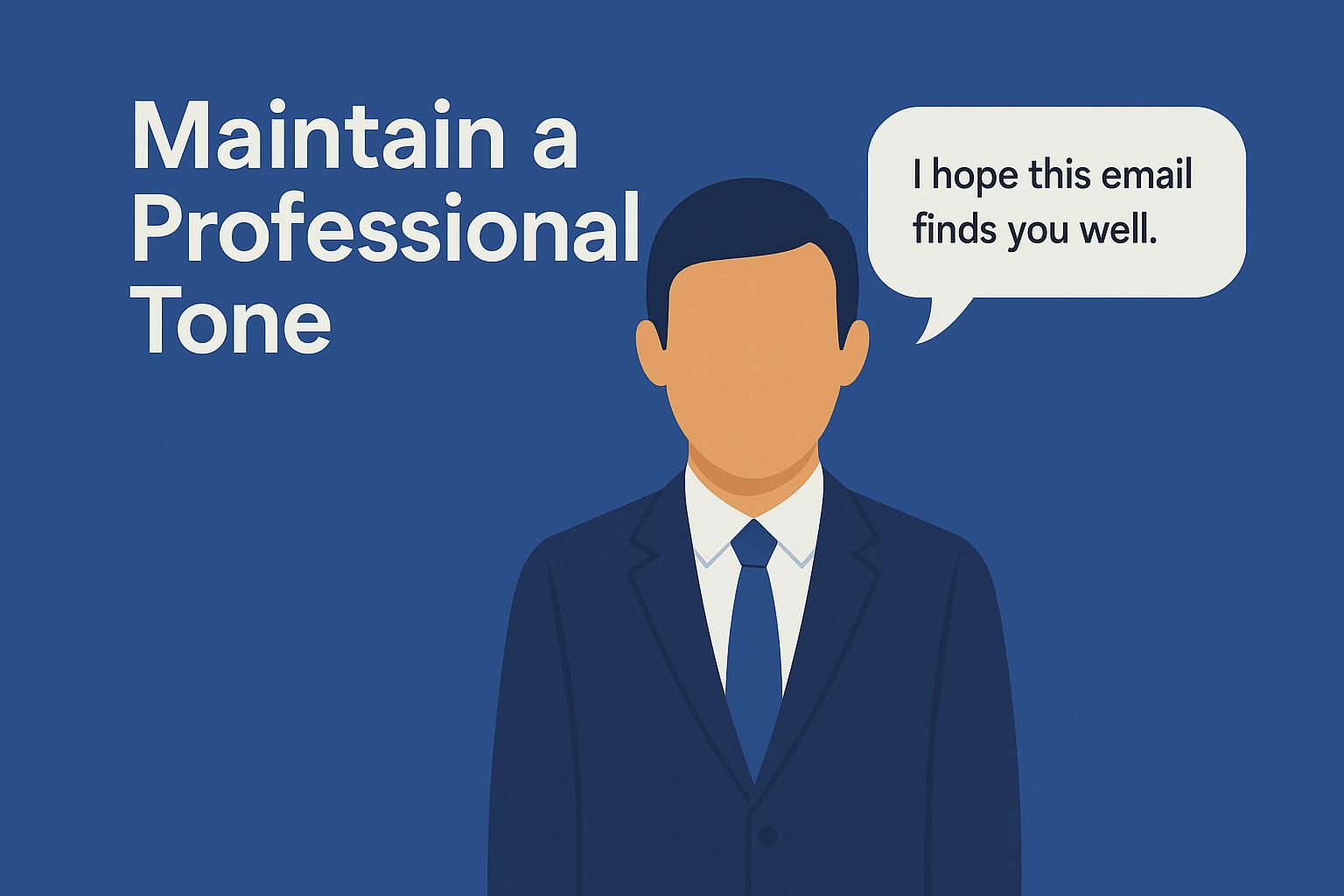
4. Maintain a Professional Tone
Tone decides how your message will be received—even if your words are correct. A professional tone is polite, balanced, and free from emotional language, which helps maintain trust and avoids conflict. It also ensures your intention is not misunderstood, especially when dealing with sensitive topics. Slang, sarcasm, or abrupt wording can make emails sound unprofessional and may damage relationships. A calm, respectful tone creates smoother communication and stronger collaborations.
Instead of:
“Why is this delayed again?”
Try:
“Could you please share an update on the status of this task?”
5. Structure Your Email for Easy Reading
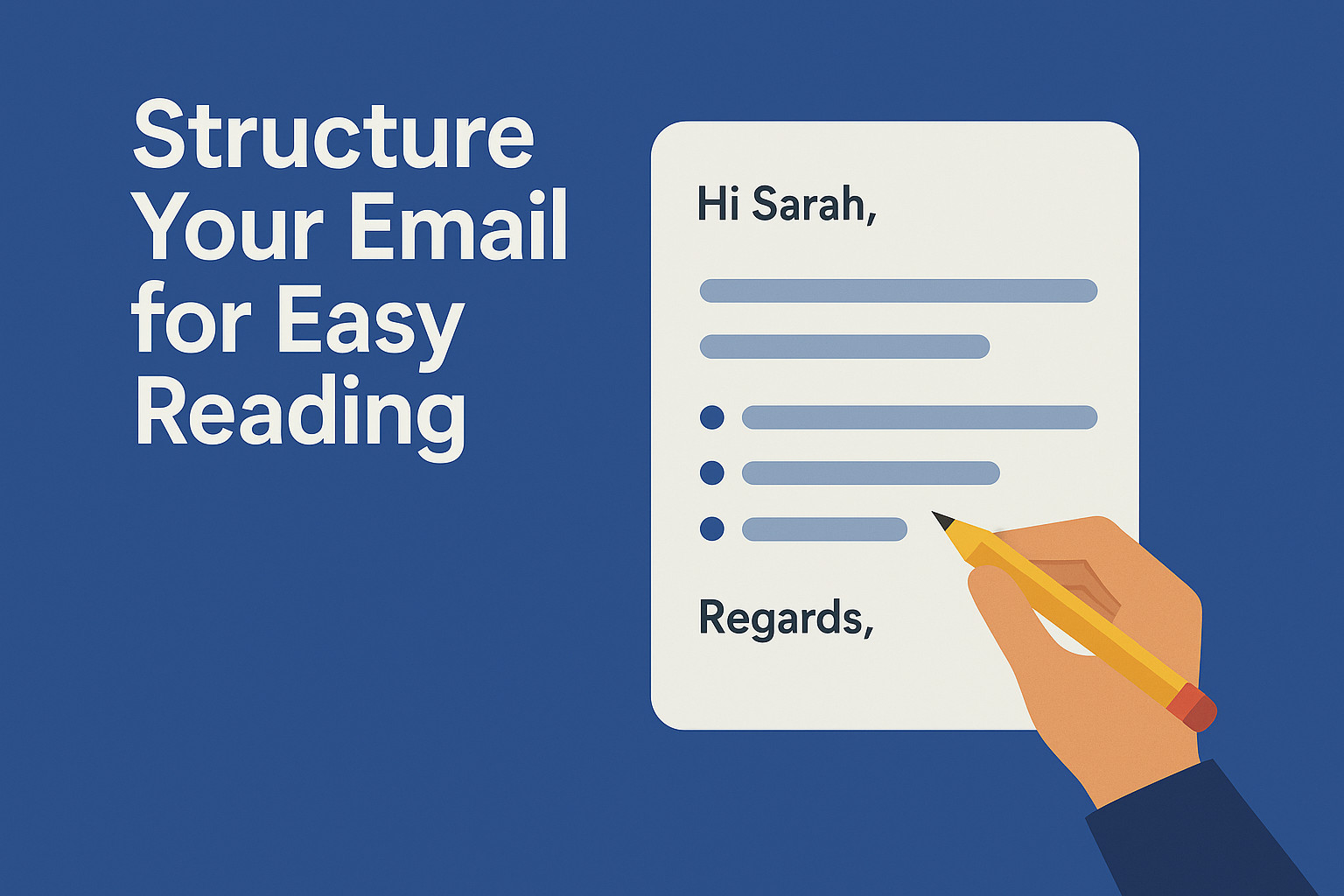
A well-structured email helps busy professionals understand your message instantly without re-reading. Large blocks of text feel overwhelming and often lead to missed information. Short paragraphs, spacing, bullet points, and headings greatly improve readability. Clear structure guides the reader through your purpose, details, and required actions. When your emails are easy to scan, people respond faster, and decisions are made more efficiently.
Use:
- Bullet points
- Subheadings
- Line breaks
- Short paragraphs
6. Proofread Before Sending
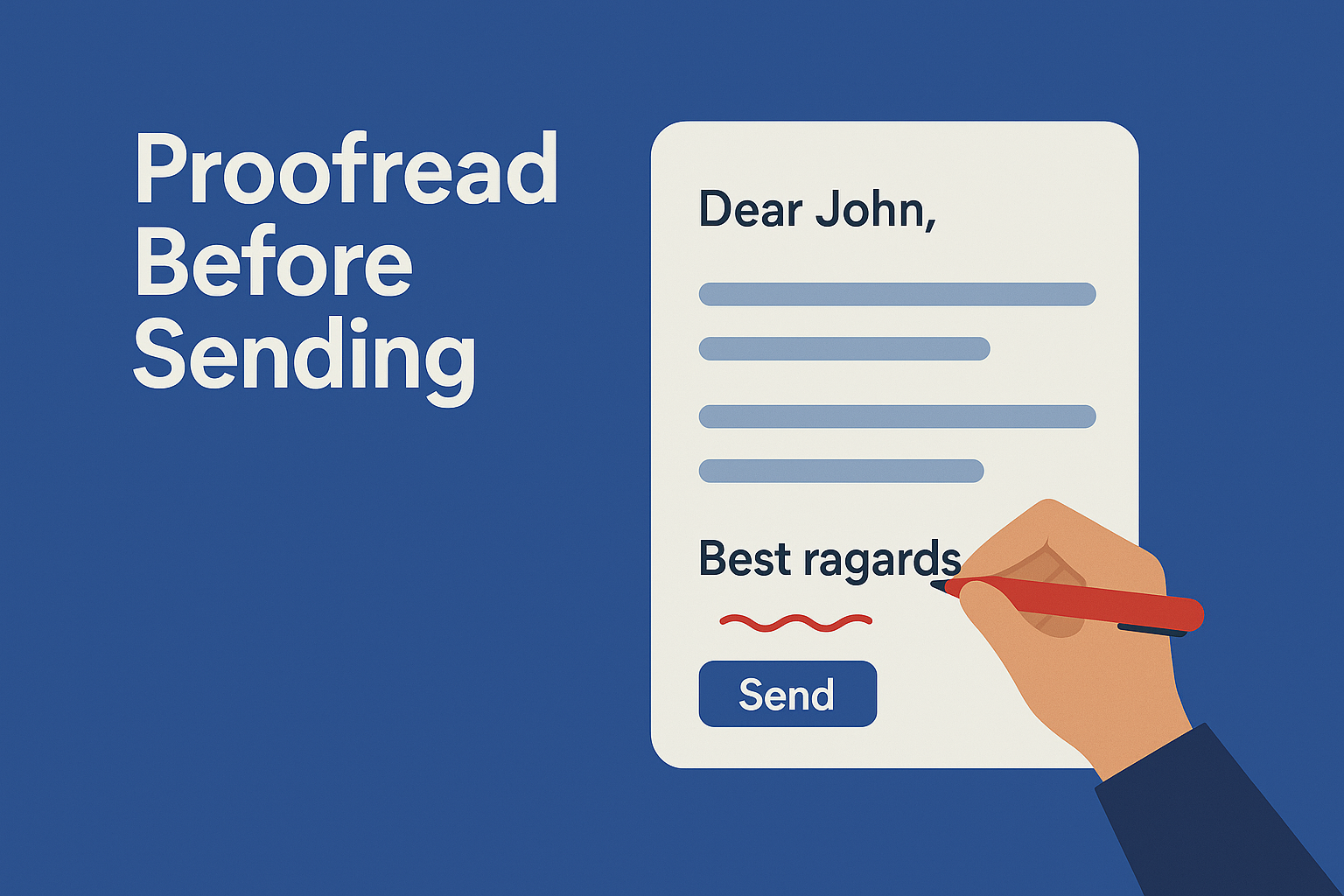
A single typo or wrong name can create an unprofessional impression, even if the rest of your email is correct. Proofreading ensures your message is polished, accurate, and easy to understand. It also helps you catch mistakes that could cause confusion or delays. Reading the email slowly—or out loud—makes errors more noticeable. In high-stakes communication, taking an extra minute to review your writing can protect credibility and save time.
Check:
- Grammar
- Tone
- Typos
- Names
- Attachments
- Dates & numbers
7. Use CC and BCC the Right Way
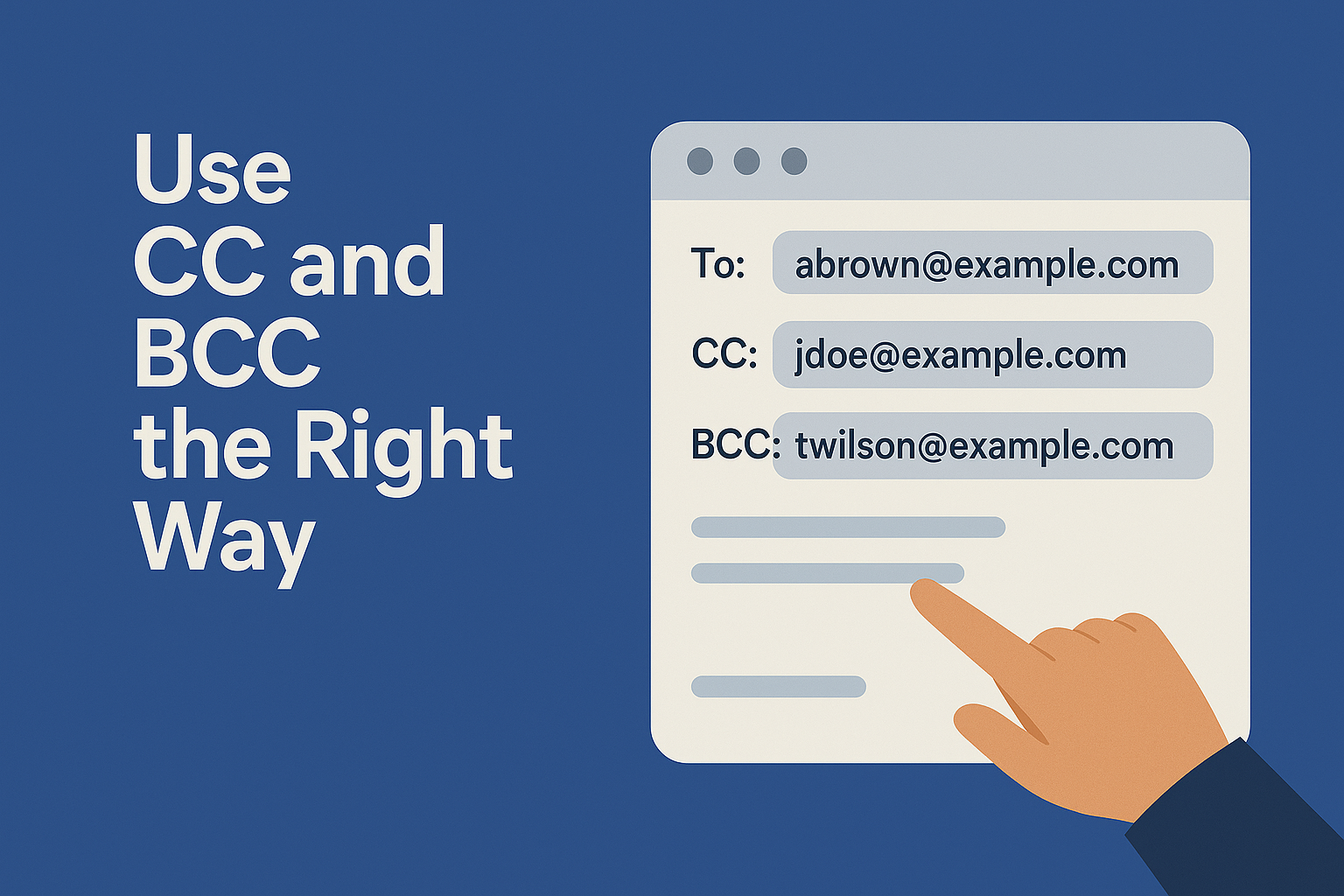
Using CC and BCC thoughtfully helps maintain privacy, reduce inbox overload, and keep communication streamlined. Adding too many people creates noise and makes it unclear who should respond. CC should be used only when someone needs to stay informed, not when you’re unsure who to include. BCC is useful for bulk communication or when protecting recipient privacy. Understanding these fields ensures your email reaches the right people—without overwhelming others.
Use CC when someone needs to stay informed but not respond.Use BCC when emailing large groups where privacy matters.Avoid adding unnecessary recipients.
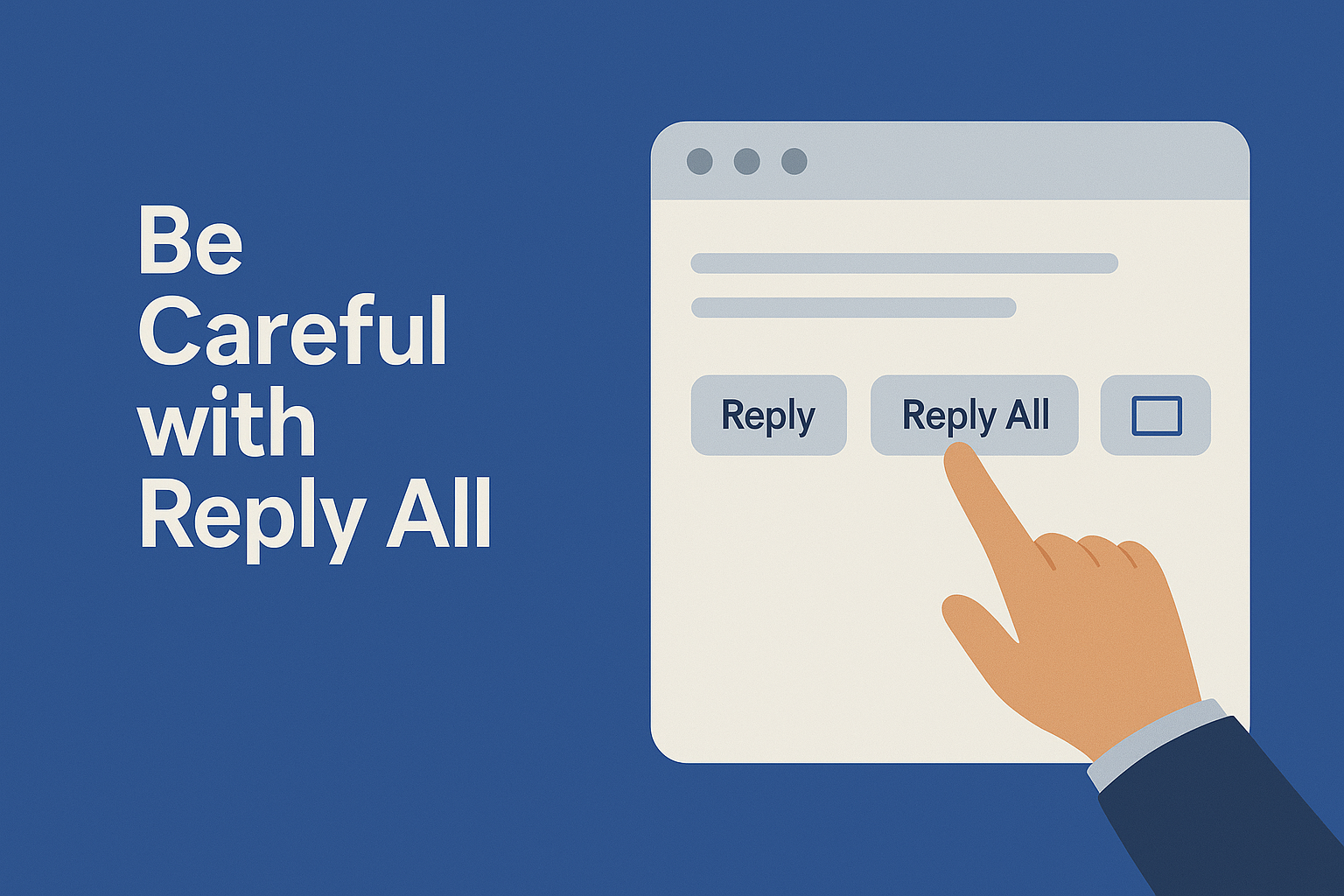
8. Be Careful with Reply All
Reply All is one of the most misused email functions in the workplace, often causing clutter and confusion. When used correctly, it keeps teams aligned. But when misused, it floods inboxes with irrelevant messages that waste time and break focus. Before clicking Reply All, always ask: “Does everyone in this thread need to see my response?” If the answer is no, reply only to the sender. This small habit significantly improves communication efficiency.
Use Reply All only when every person needs the update.Otherwise, avoid it to reduce noise.
9. Respond Within a Reasonable Time
Timely responses signal reliability and build trust, especially in professional environments. Even if you don’t have the complete answer, sending a quick acknowledgment shows responsibility. Delayed replies slow down workflows and create uncertainty for the sender. With a structured business email solution, you can set reminders, filters, or auto-responses to help manage your inbox better. Consistent response habits ensure smoother collaboration across teams.
Example:
“Received. I’ll get back to you by this evening.”
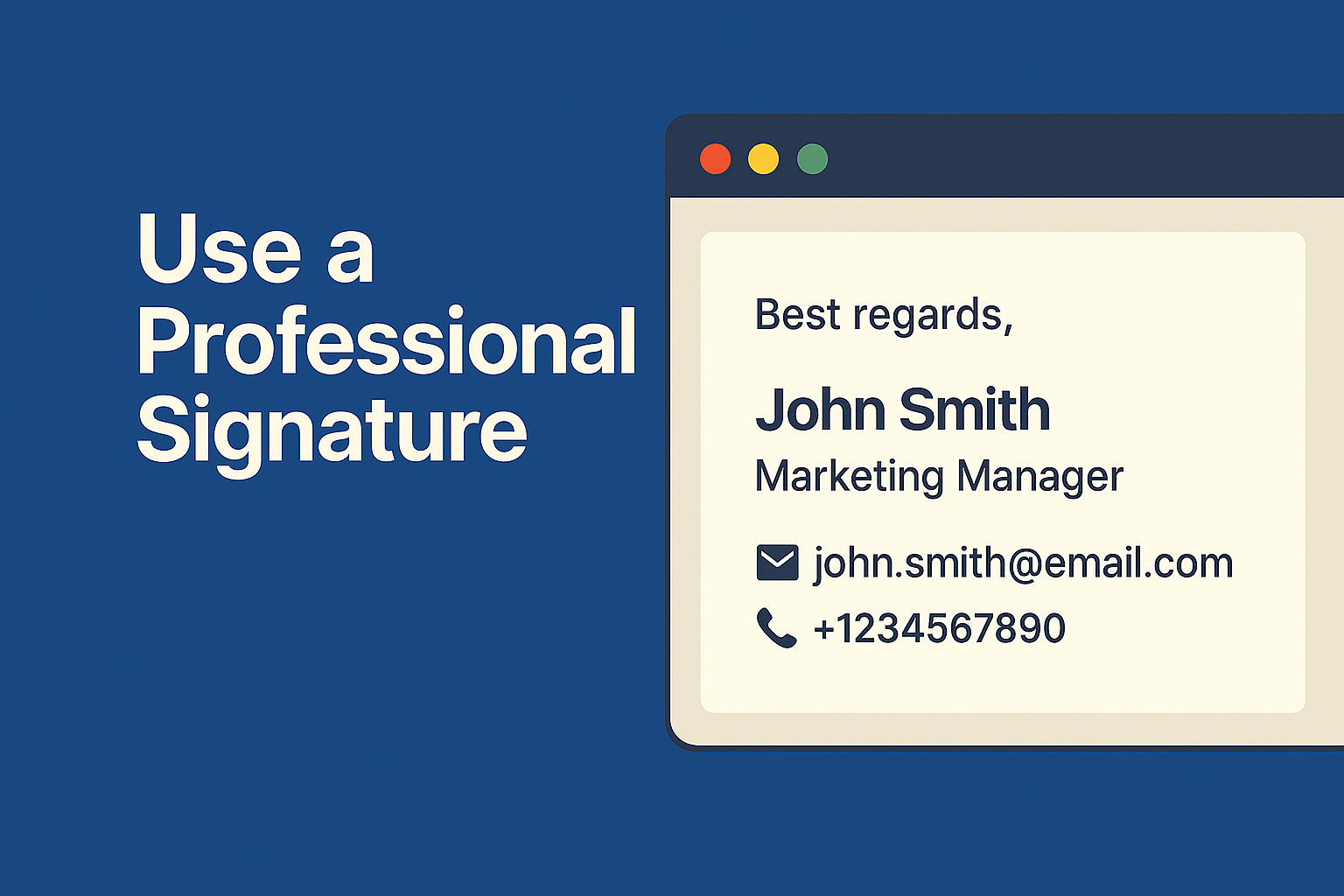
10. Use a Professional Signature
Your email signature acts as your digital introduction, offering key information without needing extra explanation. A clean, well-designed signature boosts credibility and ensures recipients know who you are and how to reach you. It also supports brand consistency across your organization. Avoid unnecessary quotes, large graphics, or multiple fonts. A professional signature keeps your email clean, modern, and aligned with corporate standards.
Include:
- Full name
- Job title
- Company
- Contact number
- Website or portfolio
- Social links (optional)
Why Email Etiquette Matters Today
In workplaces where communication happens mostly online, email etiquette helps reduce friction, improve clarity, and build stronger relationships. Organizations using powerful enterprise email solutions rely on structured, respectful communication to keep operations running smoothly. Good etiquette ensures messages are not just sent—but understood. When teams follow these practices, work flows faster, and collaboration becomes more effective.
How XgenPlus Strengthens Professional Communication
XgenPlus is built first and foremost as a powerful Business Email Solution, giving organizations a secure, reliable, and professional email platform for everyday communication. Along with email, it also brings essential workplace tools —documents, messaging, meetings, and mobile attendance—into one unified ecosystem. By keeping everything connected within an enterprise-grade environment, XgenPlus improves clarity, speed, and compliance across teams. This all-in-one setup makes collaboration smoother, more efficient, and aligned with modern business needs.
AI Compose
AI Compose helps employees write clear, polished, and professional emails instantly. It improves tone, grammar, and structure to meet workplace standards. This ensures every email reflects correct etiquette and boosts communication quality.
Xgen Office
Xgen Office lets teams create and collaborate on documents, spreadsheets, and presentations within one secure platform. It removes the need for external tools and keeps work centralized. This improves productivity and maintains smooth workflows.
Video Conferencing (VideoMeet)
VideoMeet enables seamless virtual meetings, training sessions, and client calls with high-quality audio and video. Features like screen sharing and recording enhance productivity. It keeps communication secure and centralized across your enterprise.
Xgen IM (Instant Messaging)
Xgen IM provides fast, secure team messaging for quick decisions and real-time collaboration. It replaces external chat apps with an internal, protected communication system. Teams stay aligned without long email threads or delays.
Mobile Attendance Tracking
Mobile attendance tracking allows employees to mark attendance directly from their smartphones, enabling flexible and accurate time recording. Managers get real-time visibility into check-ins without relying on separate HR tools. It simplifies workforce monitoring and improves accountability across remote, field, and in-office teams.
Final Thoughts
Mastering email etiquette is one of the simplest ways to elevate your professional image. These 10 rules help you write confidently, communicate clearly, and build stronger workplace relationships. Good emails lead to fewer misunderstandings, quicker decisions, and better outcomes for everyone involved. And when combined with a secure, modern email platform, your communication becomes even more powerful and efficient.